

A lot of things may lead to iPhone data loss: failed iOS update, jailbreaking error, unlock issues, etc. If you’re experiencing a situation like that and want to gain access to your files, usually, the best solution is to use a data recovery tool for that. Since researching the tools available on the market might take a lot of your time (and time is gold when trying to recover data from an iPhone), we have performed our own testing and analysis of iPhone data recovery software.
This list focuses on tools that remain relevant in 2026 and support the latest iOS versions, making them suitable for modern iPhone models and current system updates.
Our editorial team independently assesses each data recovery solution to produce accurate, high-quality content. Discover more about our testing process.
1. Disk Drill Data Recovery for iPhone (Mac)
Pros
- Recovers data directly from an iPhone as well as from iTunes/Finder backups
- Supports a wide range of file types, including standard iOS data and content from messaging apps
- Compatible with iOS 5 through the latest iOS 26
- Clean, modern interface that is easy to navigate
- Works with multiple device types beyond iPhone
- No free recovery, only results preview
- No iPhone data recovery module on Windows version (yet)
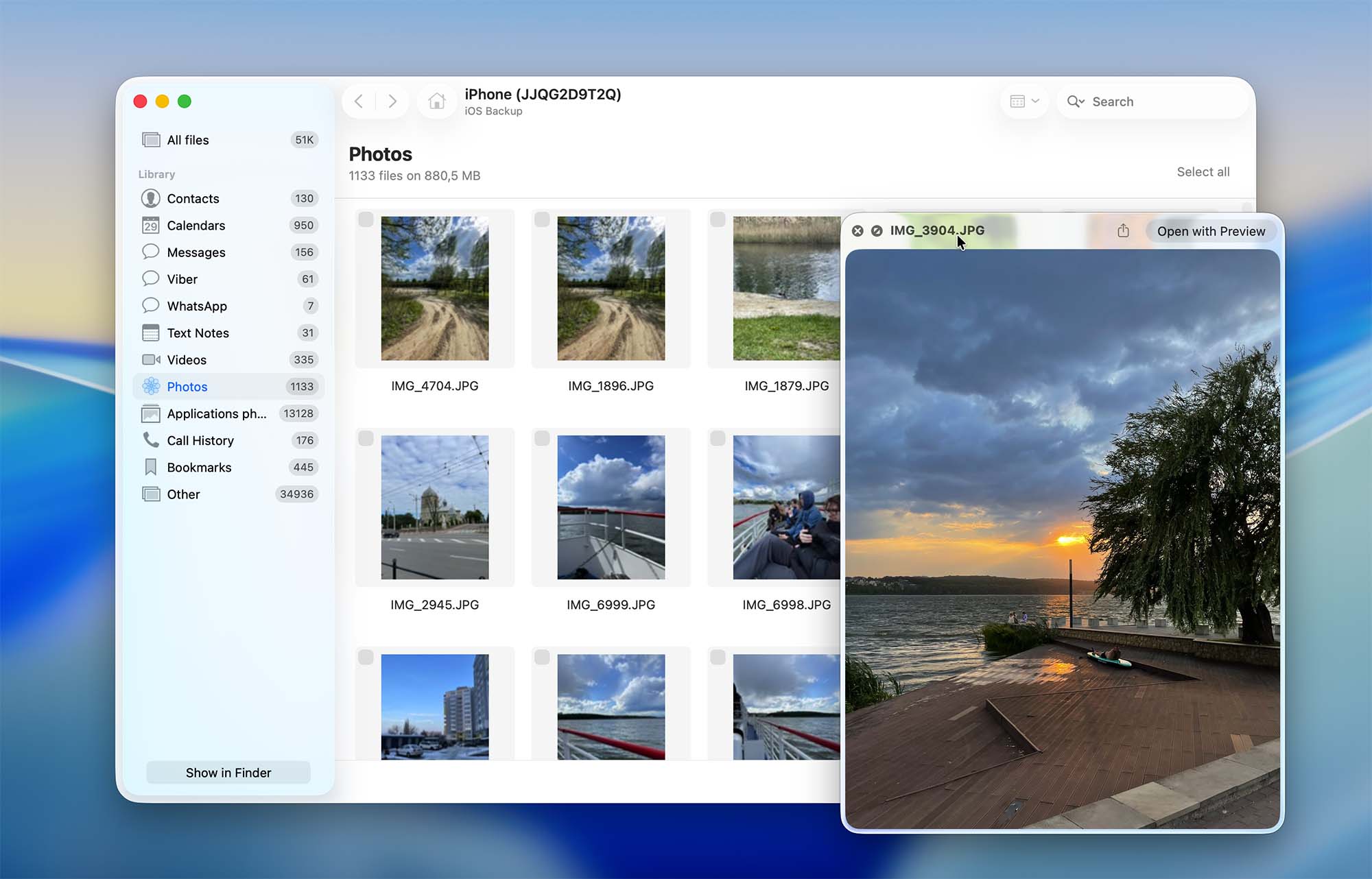
Disk Drill takes the top spot on our list thanks to its strong and consistent performance in iPhone data recovery. While it is not an iPhone-only utility, the application offers a well-developed iOS recovery module that allows you to restore data either directly from the iPhone itself or from iTunes/Finder backups created on your Mac.
The software supports iPhones running iOS 5 all the way up to iOS 26 and can recover a broad selection of data types. This includes not only photos, videos, contacts, messages, and notes, but also data from popular messaging and third-party apps, which is an important advantage for users who rely heavily on app-based communication.
According to information published on the developer’s official website, support for iCloud backups is planned for a future update. The stated goal is to allow users to extract individual files from iCloud backups without having to reset the iPhone, which would make Disk Drill even more flexible for iOS recovery scenarios.
Although Disk Drill is designed to work with many kinds of storage devices in addition to iPhones, its iOS recovery capabilities are robust enough to make it a practical choice even if your only goal is to recover data from an iPhone or an iTunes/Finder backup. If you want a more detailed breakdown of how the software performs in real-world tests, you can read our full Disk Drill review.
💰 Pricing:
| Disk Drill Basic | Unlimited scans and preview |
| Disk Drill PRO | $89.00 |
| Disk Drill Enterprise | $499 |
2. EaseUS MobiSaver (Mac & Windows)
Pros
- Supports recovery of most common iPhone data types
- Covers many data loss scenarios according to the developer
- Easy to use
- Free version allows only scan and preview
- Mac and Windows versions are sold separately
- Most recovery scenarios rely on existing backups
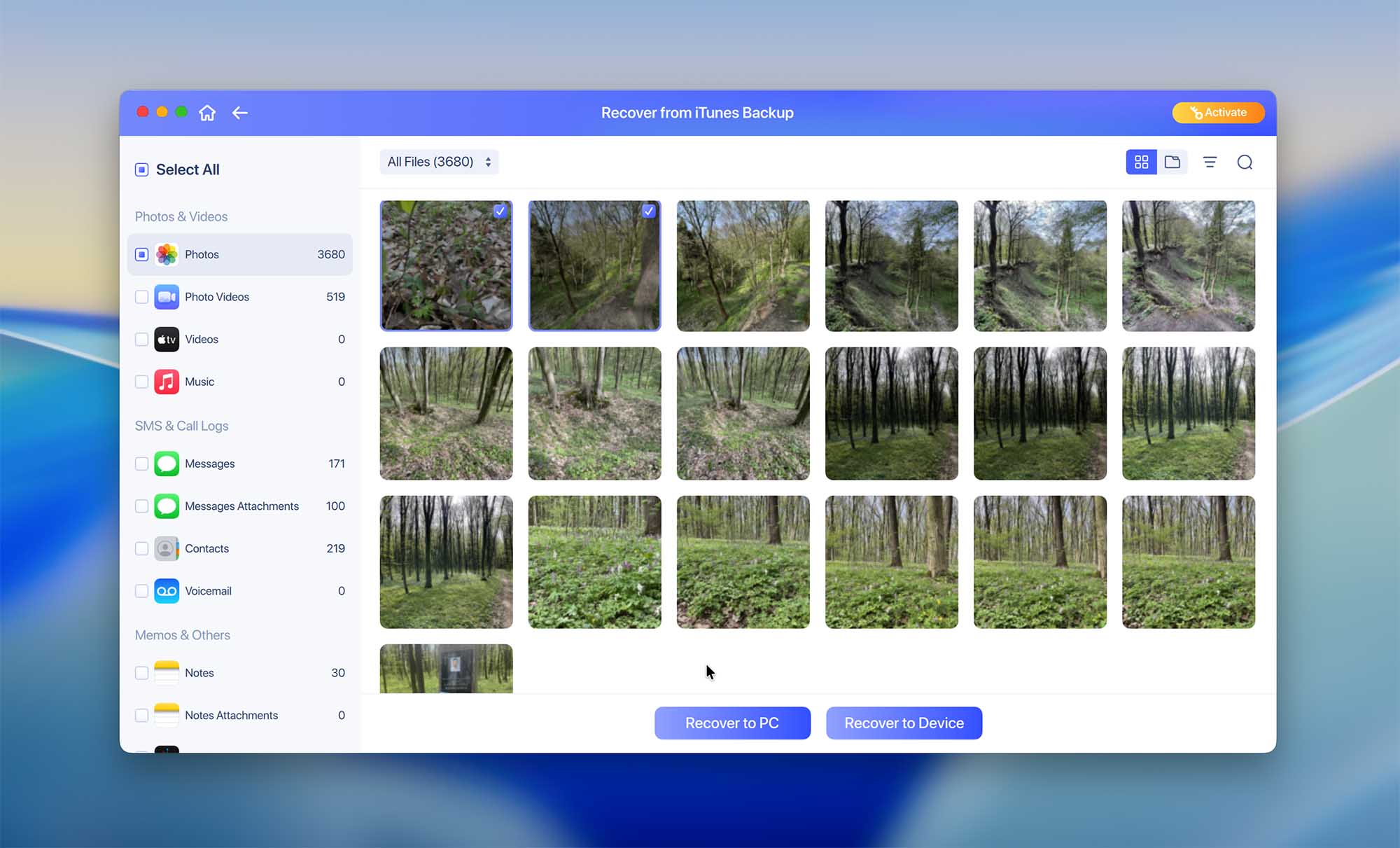
EaseUS MobiSaver is a well-known iPhone data recovery tool that focuses on ease of use and broad compatibility. The application allows you to recover data directly from an iPhone, extract files from iTunes or Finder backups, and also scan iCloud backups, which is a notable advantage compared to some competing tools.
On its official website, EaseUS lists a wide range of iPhone data loss scenarios that the software is supposedly able to handle. In practice, however, many of these situations are resolved by recovering data from available backups rather than performing true device-level recovery. Because of this, the long list of supported scenarios feels more like a marketing claim than a reflection of fundamentally different recovery techniques.
According to the developer, official iPhone support currently ends with iPhone 15. That said, during our own testing, EaseUS MobiSaver was able to detect and work with devices from the latest iPhone 17 lineup, which suggests that compatibility may extend further than what is formally documented.
One drawback worth noting is the licensing model. The macOS and Windows versions are sold separately, which increases the overall cost if you plan to use the software across multiple platforms. The free version is also quite restricted, allowing only preview scan results.
💰 Pricing:
| License | Windows | macOS |
| Monthly | $59.95 | $59.95 |
| Annual | $79.95 | $79.95 |
| Lifetime Upgrades | $99.95 | $99.95 |
3. Tenorshare UltData (Mac & Windows)
Pros
- Supports a large number of file types
- Easy-to-use
- Comes with additional iOS features
- Subscription-based only
- No free recovery
- Repair tools are reserved for registered users
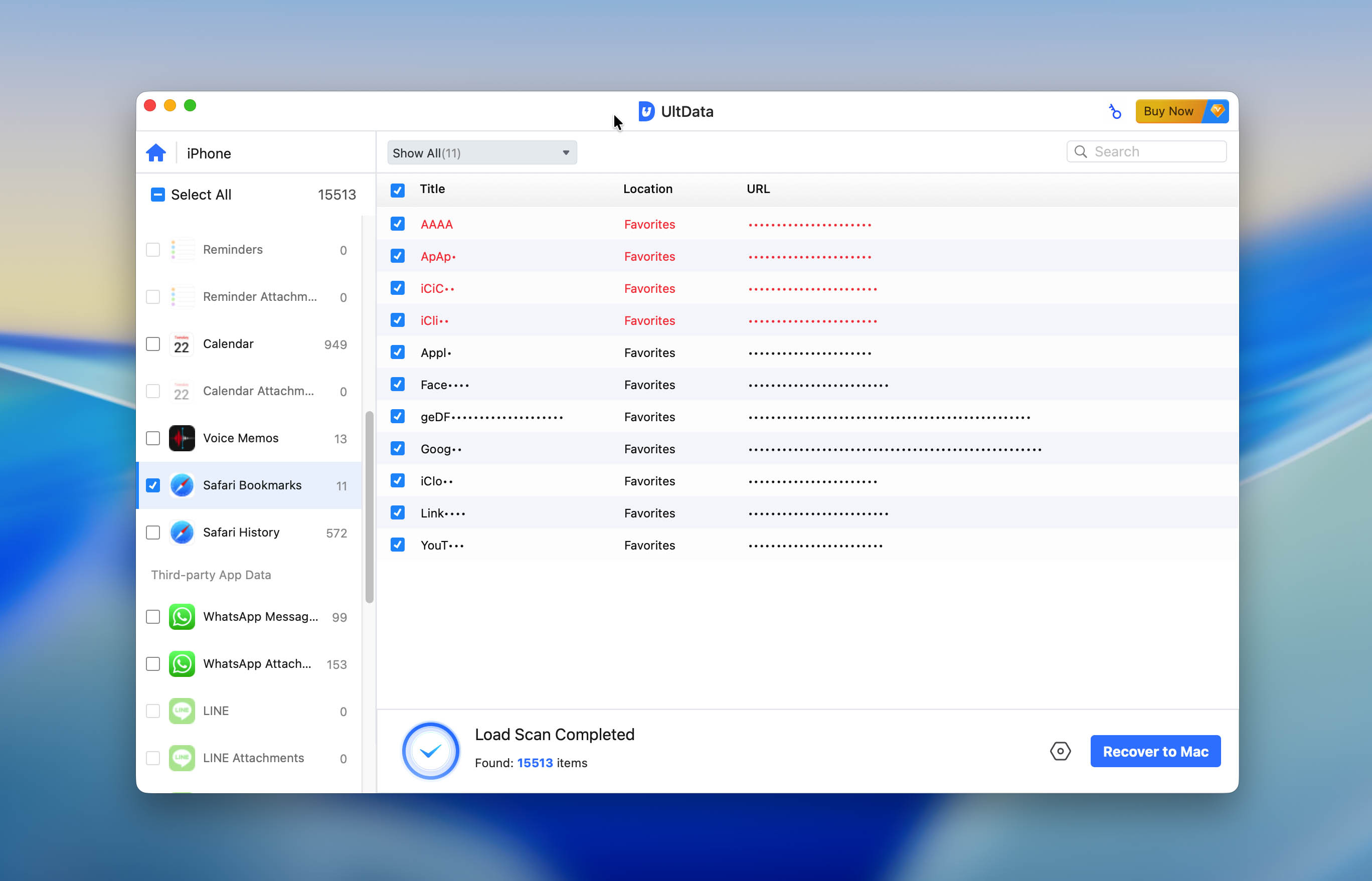
Tenorshare UltData can recover data from any iPhone version (even from an iPhone 4 as long as it’s operating) and supports a wide range of file types (photos, contacts, message attachments, voice memos, Safari bookmarks, and even data from third-party applications). It can recover data directly from the iPhone itself as well as from iTunes and iCloud backups, which makes it suitable for many common data loss situations.
In addition to data recovery, UltData comes with several extra features that may be useful in certain scenarios. The software includes an iOS System Repair function that can help fix common iOS issues, as well as backup and restore options for social apps, allowing users to create and manage backups for supported messaging applications. These tools are separate from the core recovery process but can be helpful if you want more control over your device data.
It is also worth noting that Tenorshare software has a mixed reputation online. Some users and moderators consider Tenorshare programs to be spam-like due to aggressive promotional activity on forums, Q&A platforms, and review websites, where the products are frequently recommended in a non-transparent way. In addition, there are a noticeable number of user reviews reporting that the software does not always work as expected, particularly in more complex recovery scenarios.
💰 Pricing:
| License | Windows | macOS |
| 1 Month License | $45.95 | $55.95 |
| 1 Year License | $49.95 | $59.95 |
| Lifetime License | $59.95 | $69.95 |
4. TunesKit (Mac & Windows)
Pros
- Can recover encrypted data
- Supports numerous data loss cases
- Fast and efficient
- Not as functional as you’d hope for its price
- Limited trial version
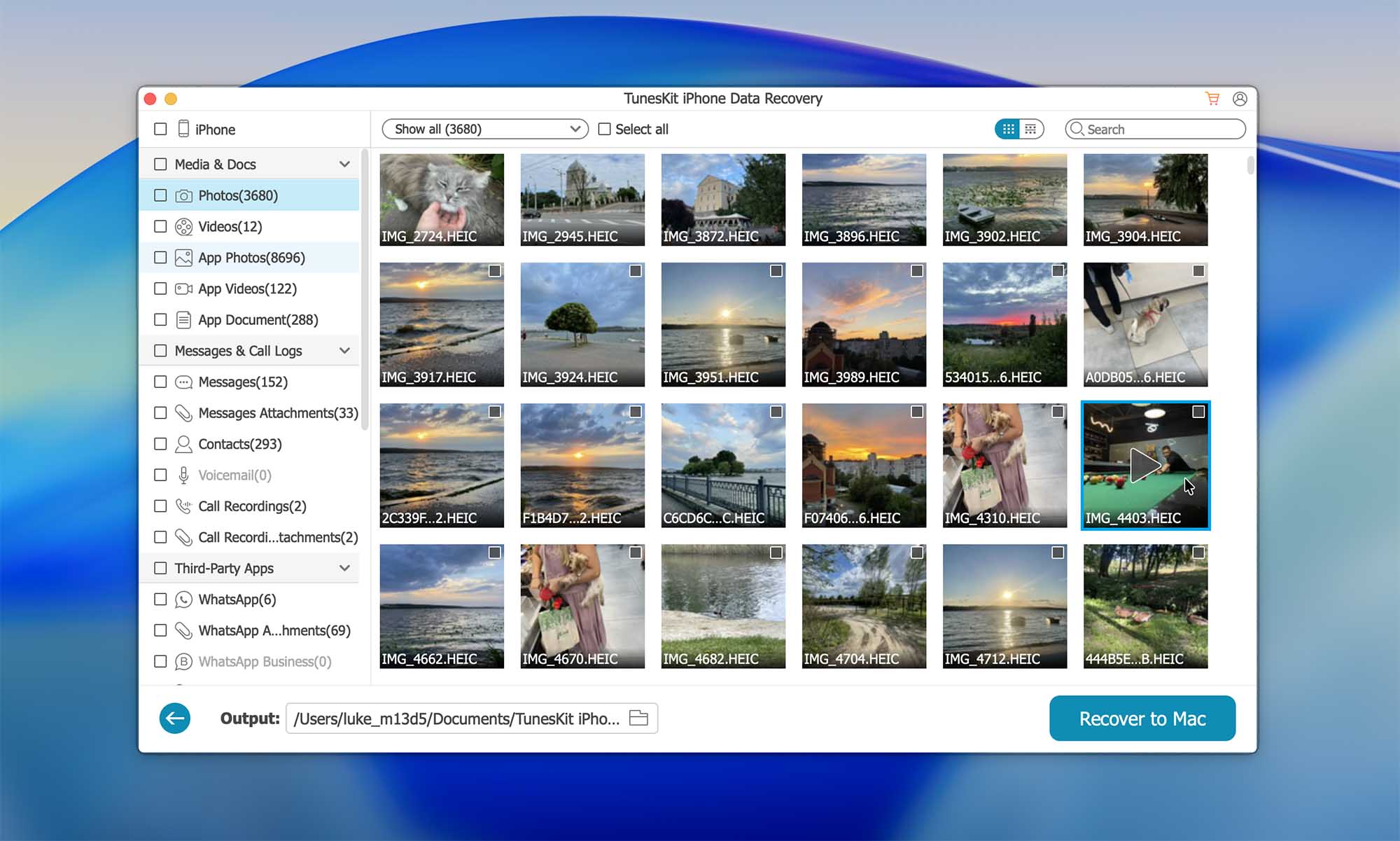
TunesKit is an iOS data recovery software capable of recovering iPhone files that were lost in various scenarios. This software supports over 20 different file types (such as photos, contacts, notes, iMessages, videos, Safari bookmarks, etc.), and it can recover data directly from the iPhone or from available backups.
The software claims support for recovering encrypted data, which may sound promising at first. In practice, this means that TunesKit can restore files from an encrypted iTunes or Finder backup, but only if you already have the correct backup password. It does not bypass encryption or recover data without the required credentials, so this feature is limited to users who still have access to their backup password.
One drawback of TunesKit is that its interface feels somewhat outdated when compared to other data recovery tools on this list. While the program is functional and generally stable, the design and navigation do not feel as polished or modern as some competing solutions.
The free version of this tool lets you scan your iPhone and preview the files. But to actually recover the data, you should get a subscription plan.
💰 Pricing:
| Pricing plan | Windows | macOS |
| Monthly Plan | $39.95 | $39.95 |
| Annual Plan | $49.95 | $49.95 |
| Perpatual Plan | $69.95 | $69.95 |
5. Syncios iOS Data Recovery (Mac & Windows)
Pros
- Supports recovery of common iPhone data types
- Can recover data from the iPhone, iTunes backups, and iCloud backups
- Simple interface suitable for inexperienced users
- Software updates are infrequent
- Performance can be inconsistent
- Limited functionality in the free version
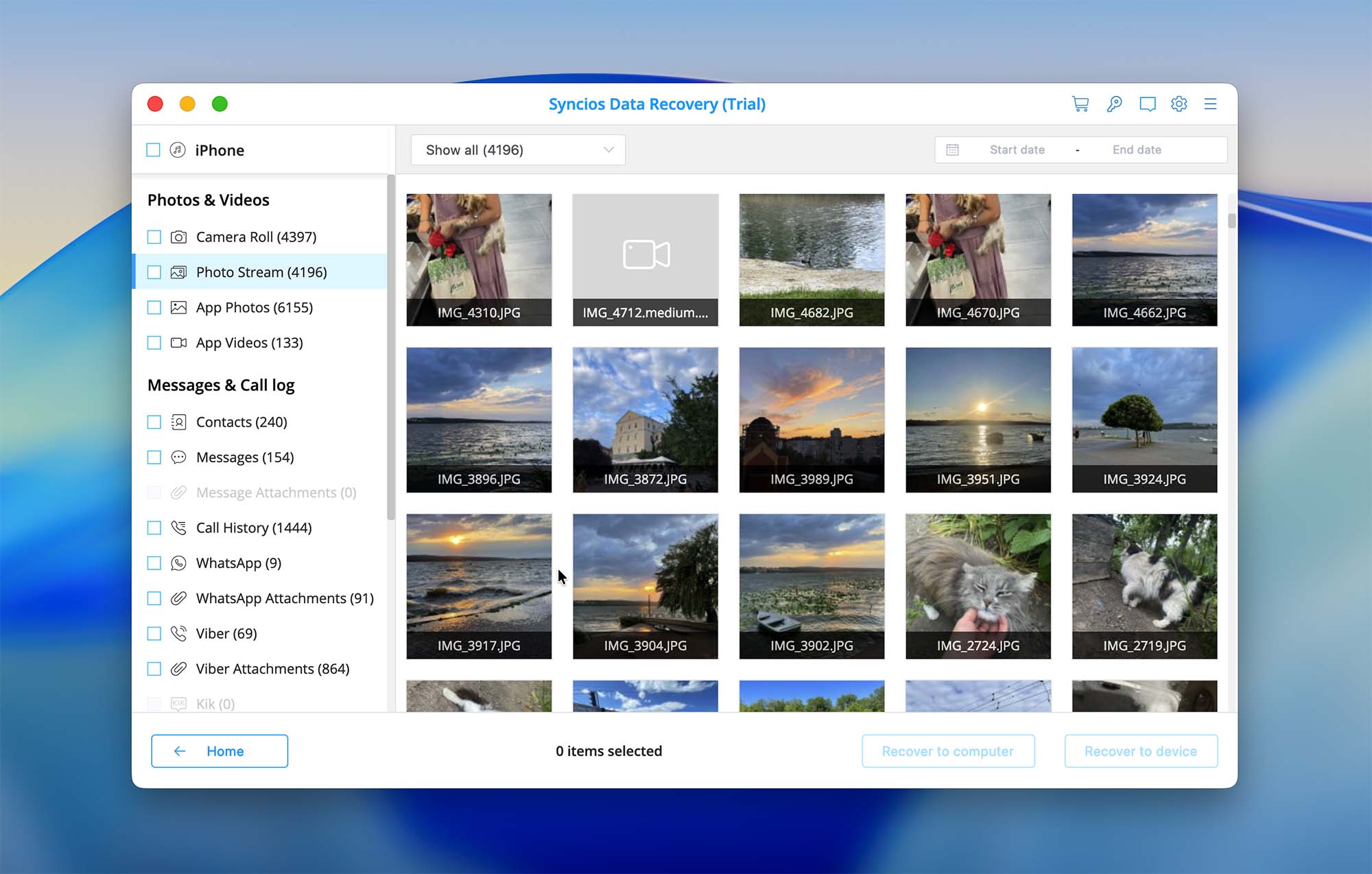
Syncios iOS Data Recovery is a basic iPhone data recovery tool aimed primarily at users who want a simple and straightforward recovery process. The application supports most standard iOS data types, including photos, videos, contacts, messages, call history, and notes. It can recover data directly from the iPhone itself or extract files from iTunes and iCloud backups.
The interface is minimal and easy to navigate, which makes Syncios suitable for users who do not want to deal with complex settings or advanced recovery options. However, during testing, the software felt less polished compared to some other tools in this list. Scan times can be inconsistent, and the overall recovery success rate appears to depend heavily on the availability and quality of existing backups.
Another limitation is the update cycle. Syncios does not appear to be updated frequently, which raises concerns about long-term compatibility with newer iOS versions and devices. While the software may still work with newer iPhones in some cases, official documentation and changelogs tend to lag behind current iOS releases.
💰 Pricing:
| License | Windows | macOS |
| 1 Year Subscription | $39.95 | $39.95 |
| Lifetime Upgrades | $49.95 | $49.95 |
6. FoneLab iPhone Data Recovery (Mac & Windows)
Pros
- Support for iOS 26
- Recovers data from iTunes/Finder and iCloud
- Recovers data from third-party apps
- Easy to use
- No free recovery
- Outdated user interface
- Constantly requires unblocking
- Limited customer support options
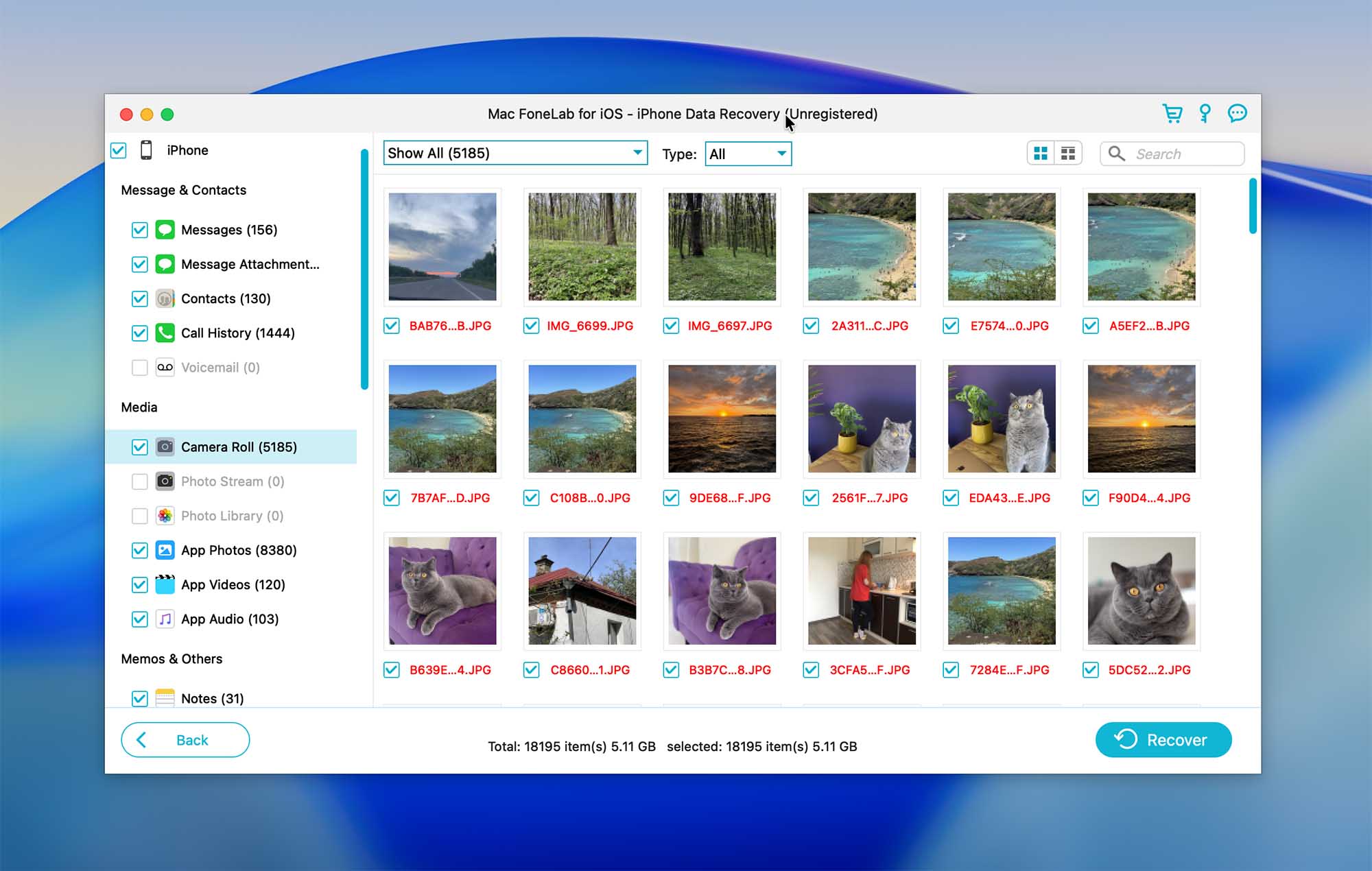
FoneLab iPhone Data Recovery allows you to recover the data directly from your device and also from an iTunes or iCloud backup. It provides support for the latest iOS version and is compatible with most file types (messages, contacts, photos, voicemail, etc.). The interface of the tool is quite simple and well-structured so that you can easily navigate to the needed file.
This tool also offers a free version, but it’s limited only to scanning and previewing the discovered data. So to actually recover the files from your iPhone, you should upgrade to the paid FoneLab version.
It is also worth mentioning that FoneLab offers a fairly broad ecosystem of iOS-related tools, including solutions for data recovery, iOS system repair, and device management. However, these functions are not bundled into a single application. Each feature is provided as a separate program and usually requires a separate purchase, which can significantly increase the overall cost if you need more than just basic data recovery.
💰 Pricing:
| License | Windows | macOS |
| 1 Device/1 Month license | $49.95 | $49.95 |
| 1 Device/Lifetime License | $55.96 | $55.96 |
| 3 Devices/Lifetime License | $116.00 | $116.00 |
7. FonePaw iPhone Data Recovery (Mac & Windows)
Pros
- Simple interface
- Recovers most file types
- Limited free version
- Subscription-only
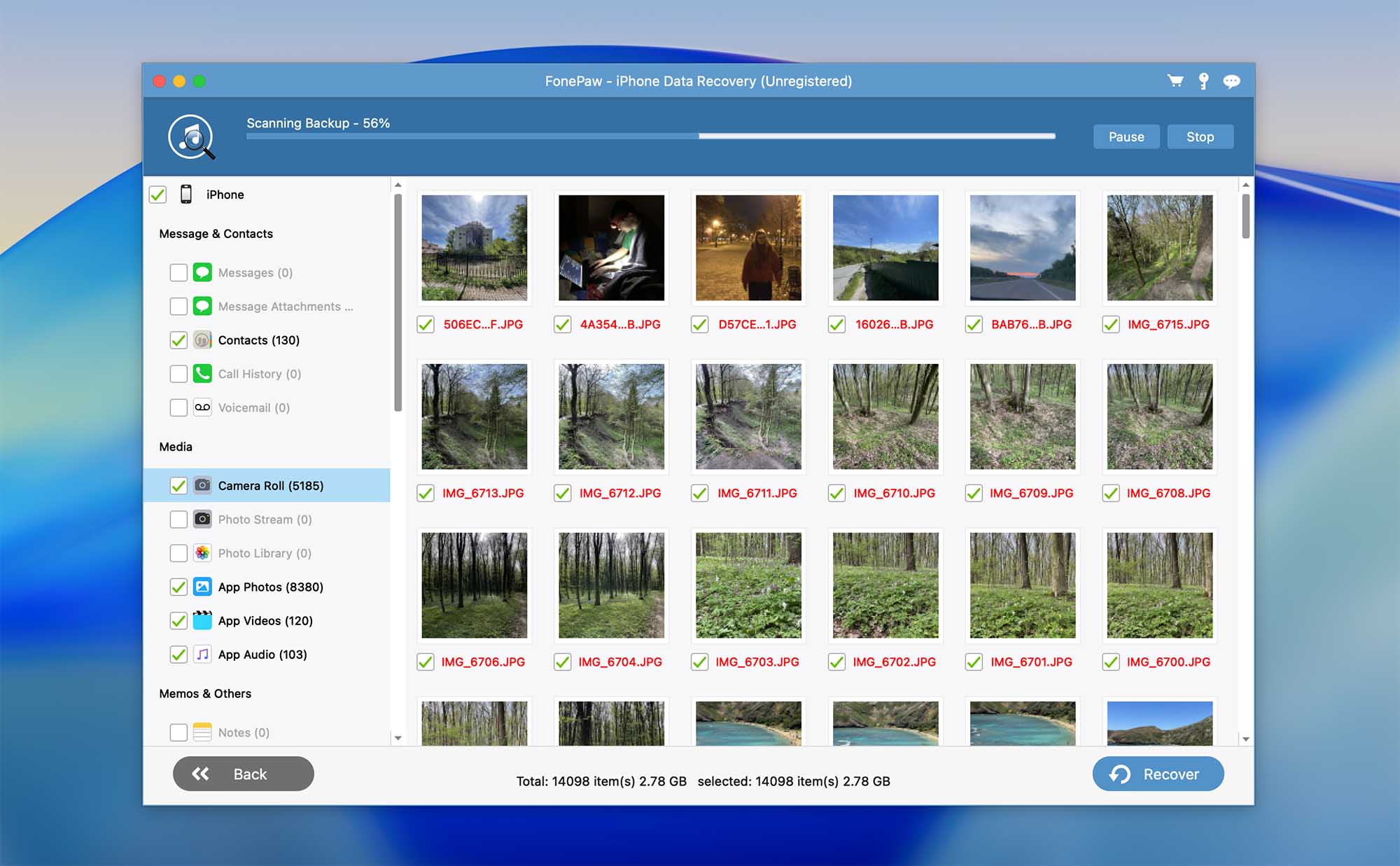
FonePaw iPhone Data Recovery is another good option that allows you to recover lost or deleted data from your phone. It supports all the iPhone versions and most iOS file types. The tool’s interface is pretty straightforward, so you can easily navigate the application. However, compared to other data recovery software in this list, FonePaw does take more time to scan the device. And if you take into consideration the price of this software, the other tools are either cheaper or offer more functionality for the same cost.
This tool offers a free version, but it is limited (even the preview feature isn’t fully available).
During our testing, we also noticed that the FonePaw iPhone Data Recovery interface is almost identical to the interface used by FoneLab iPhone Data Recovery. Because of this, it is reasonable to assume that the two applications may be closely related or based on the same underlying framework. That said, we do not have enough information to confirm this or determine which product, if any, could be considered the original. As a result, this similarity should be viewed as an observation rather than a verified claim.
💰 Pricing:
| License | Windows | macOS |
| One-Month | $49.95 | $55.96 |
| One-Year | $55.97 | $66.47 |
| Lifetime Upgrades | $66.47 | $69.97 |
8. FoneDog (Mac & Windows)
Pros
- Supports iPhone, iTunes/Finder, and iCloud recovery
- Pay only for the features you need
- No free features (not even a preview)
- Subscription only, no lifetime upgrade
- Full toolkit is more expensive than other options
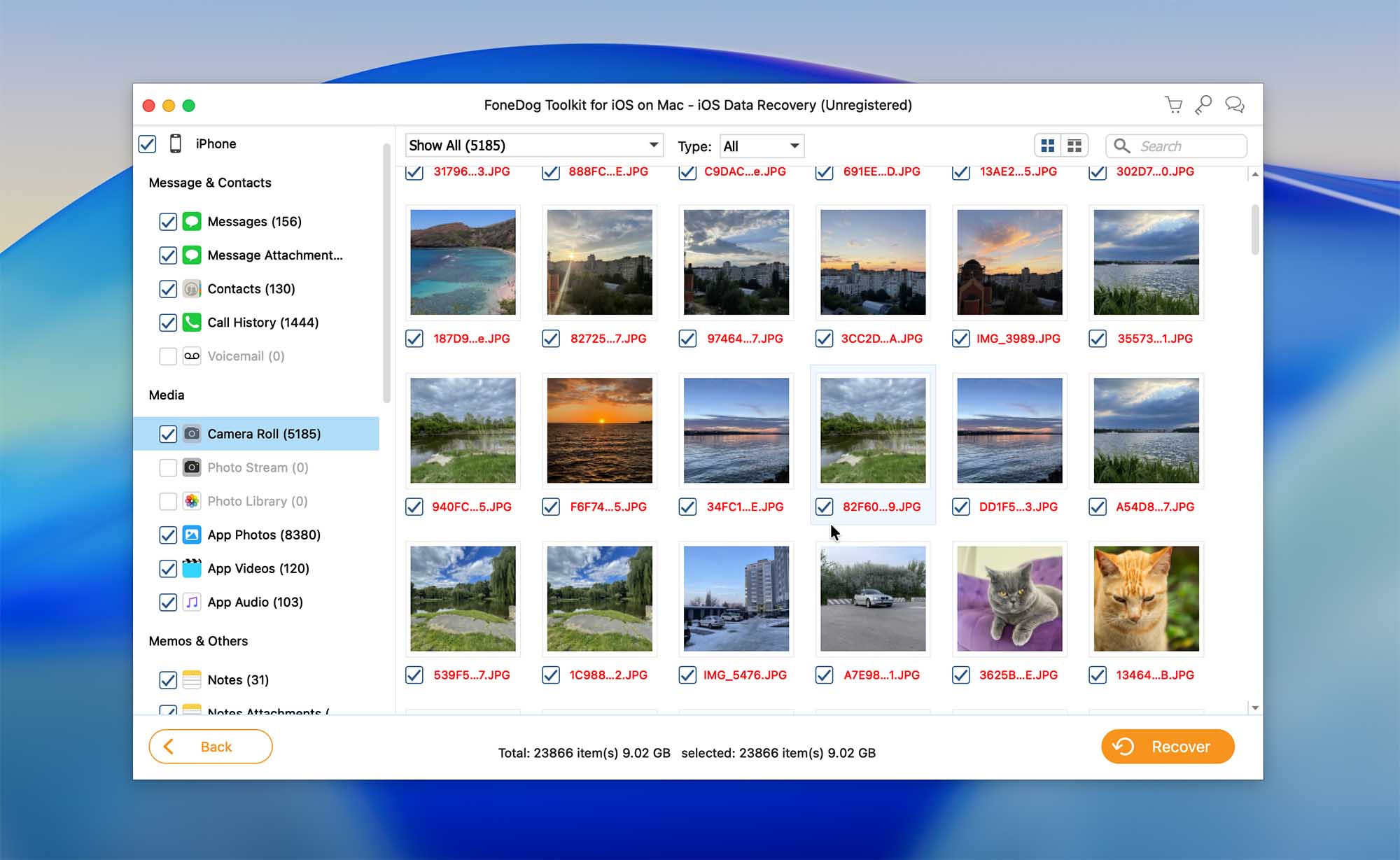
FoneDog is not just a tool but a toolkit — you get three different software that allows you to recover the data from your iPhone, repair the iOS on your device, and back up the files on the phone to be prepared for any potential data loss situation. And you have the option of choosing which feature you need and paying only for that one.
The FoneDog iOS data recovery app is quite powerful and covers most iPhone files (including messages, videos, notes, contacts, calendars, etc.) as well as data from a few third-party apps (such as Instagram, Viber, Messenger, and others). But you can’t try out this tool until you purchase the subscription.
💰 Pricing for Data Recovery version:
| License | Windows | macOS |
| One-Month | $29.95 | $29.95 |
| One-Year | $39.95 | $39.95 |
| Lifetime | $49.95 | $69.95 |
9. iBeesoft iPhone Data Recovery (Mac & Windows)
Pros
- Simple user interface
- Fair price
- Supports a healthy variety of file types
- Developer’s website appears outdated
- Official iOS support is listed only up to iOS 16
- Purchase page is currently not working
- No free recovery
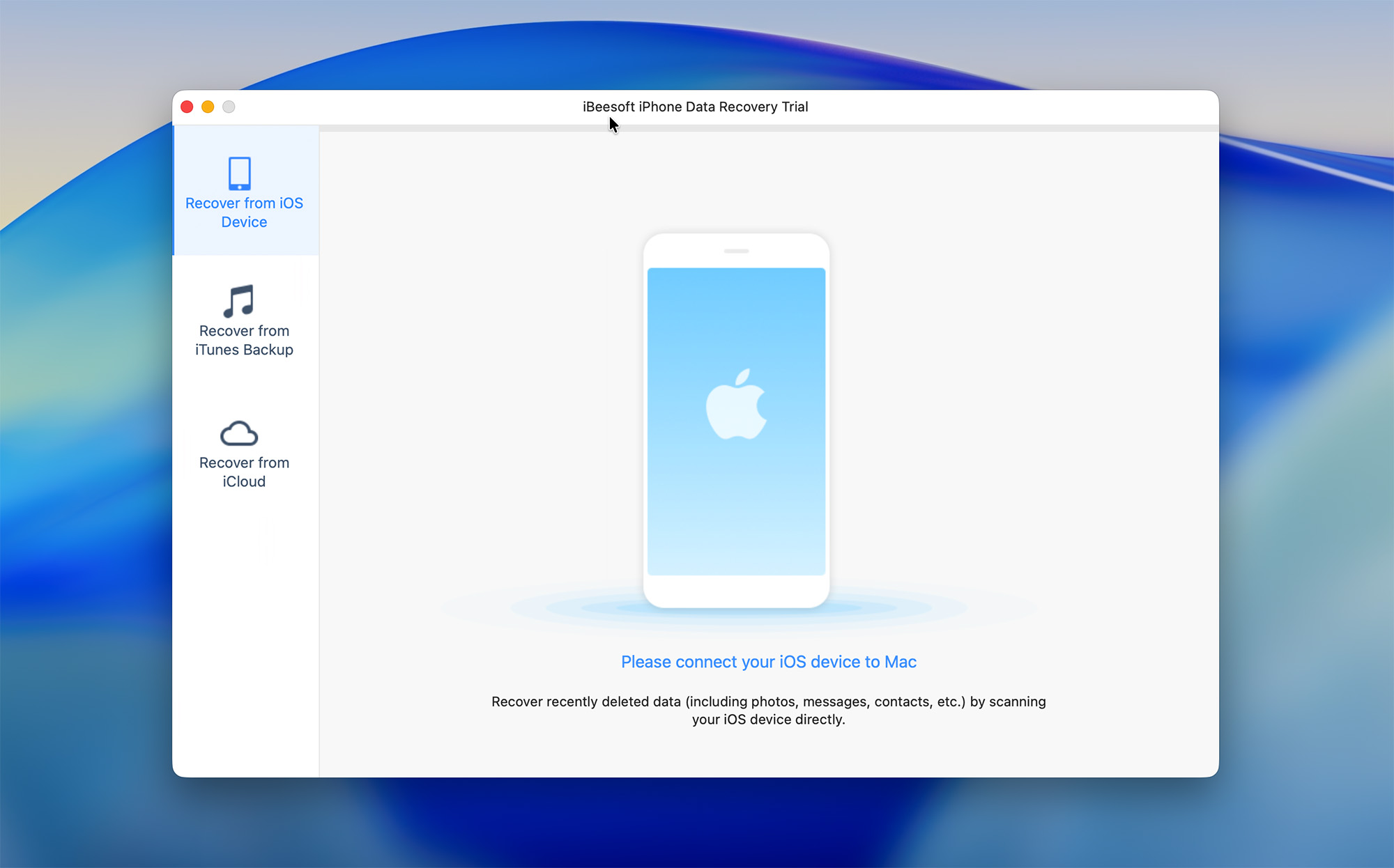
iBeesoft iPhone Data Recovery is another tool worth trying out. It offers three data recovery modes for recovering the lost data from your iPhone, so with this tool, you’ll be able to restore the files directly from the device, from an iTunes backup, or from an iCloud backup. The interface is simple, which makes the tool easy to use even for less experienced users.
One issue worth mentioning is that the developer’s website does not appear to be regularly updated. At the time of writing, the latest supported version listed is iOS 16, with no official mention of newer iOS releases or device models. In addition, while preparing this rating and testing the software, we attempted to purchase a license directly from the website, but the checkout page was not functioning properly, making it impossible to complete the purchase. We hope this issue will be resolved, as we were able to test the software using an existing activated subscription.
Despite the lack of official updates, our tests showed that iBeesoft iPhone Data Recovery is still capable of scanning newer iPhone models, even though they are not listed as supported by the developer.
💰 Pricing:
| License | Windows | macOS |
| 1-year subscription | $39.95 | $39.95 |
10. Dr.Fone – Data Recovery (Mac & Windows)
Pros
- Supports recovery from iPhone, iTunes/Finder backups, and iCloud backups
- Covers many common iOS data types, including photos, messages, contacts, and app data
- Part of a large iOS utility ecosystem with additional tools
- Available for both macOS and Windows
- No free recovery, preview only
- Many advertised recovery scenarios rely on backups
- Tools shown in the interface are separate apps that require additional downloads.
- Aggressive marketing and upselling inside the app
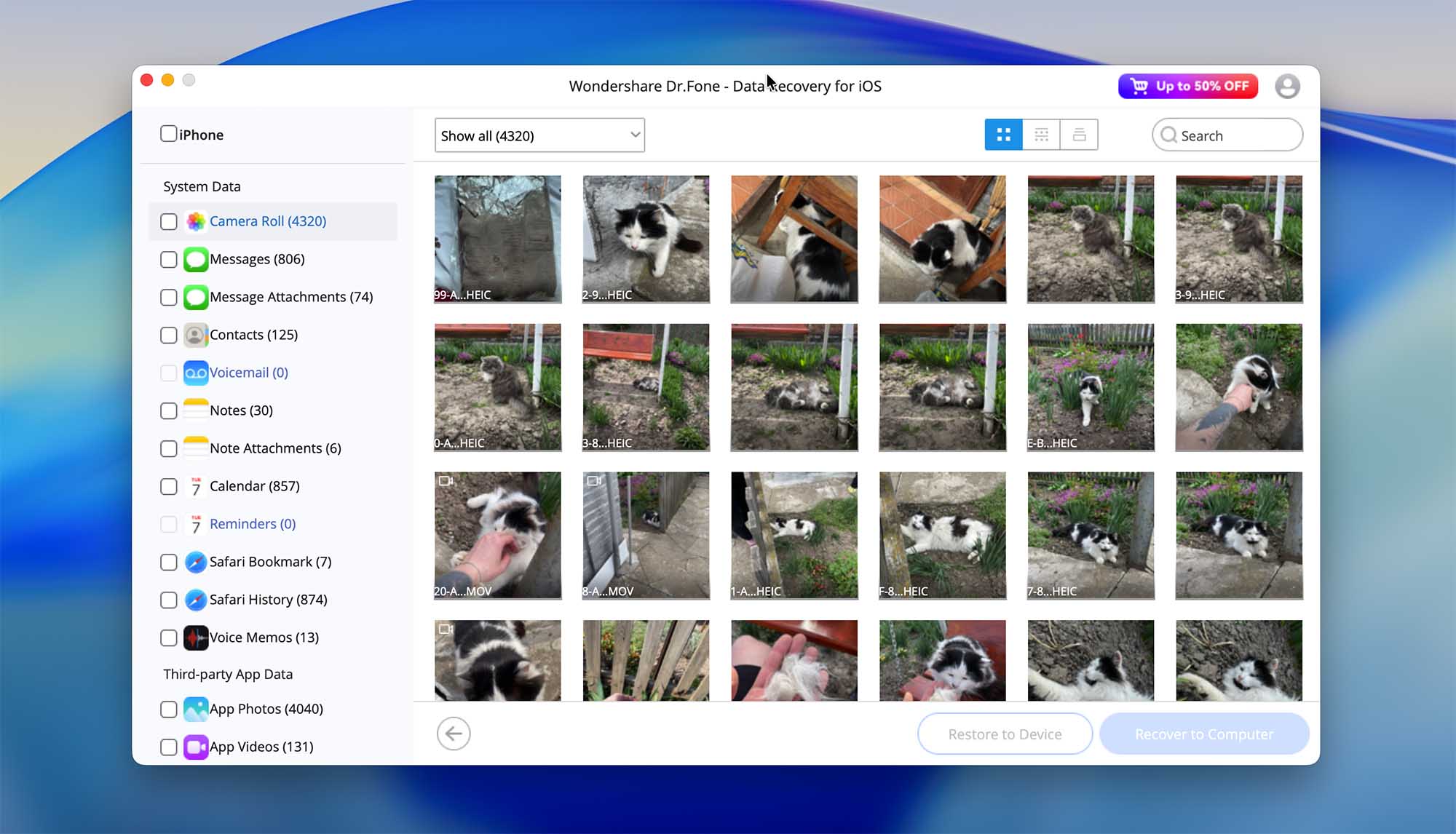
Dr.Fone – Data Recovery is one of the most recognizable iPhone recovery tools on the market, largely due to its long presence and extensive marketing. The software allows users to recover data directly from an iPhone, extract files from iTunes or Finder backups, and download data from iCloud backups, which covers the most common recovery scenarios available to third-party iOS tools.
Similar to many competitors, direct “device-level” recovery is limited by iOS restrictions, and in practice, successful results often depend on the presence of existing backups rather than true on-device scanning. For a more detailed explanation of these limitations and how they affect real recovery scenarios, you can read our full Wondershare Dr.Fone review. One notable aspect of Dr.Fone is that it is not a standalone recovery app but part of a larger toolkit. The developer offers additional modules such as iOS system repair, screen unlock, WhatsApp transfer, and backup tools. While this may appeal to users who want an all-in-one solution, each module is sold separately, which can quickly increase the overall cost.
Dr.Fone also has a mixed reputation online. While some users report successful recoveries, others criticize the software for high pricing, limited effectiveness without backups, and refund difficulties. Because of this, it is best viewed as a general-purpose iOS utility suite rather than a specialized data recovery solution.
💰 Pricing:
| License | Windows | macOS |
| Monthly plan | $49.95 | $49.95 |
| Annual plan | $68.95 | $68.95 |
| Perpetual plan | $79.95 | $79.95 |
How We Selected the Best iPhone Data Recovery Software
Our goal is to provide an unbiased opinion on the best iPhone recovery software that would meet the needs of all iPhone owners. Data loss can be extremely stressful for everyone; therefore, we hope this list will provide the ultimate solution for various scenarios.
When choosing and rating the iPhone data recovery tools, we took into consideration the following criteria:
- 📄 Types of files supported: Most of the tools in this list support over 20 file types (like Disk Drill and Tenorshare UltData). Some of the applications can even recover the files from third-party apps that you used on your iPhone (such as WhatsApp, Viber, Instagram, etc.).
- 💰 Price: Usually, the data recovery tools for iPhone either have a subscription-based payment system or a one-time purchase option (some of the tools might have a free trial version).
- 👨🦳 Ease of use: The app’s interface plays a huge role when choosing any software. Therefore we tested the way each of the apps in this article works to see whether they are as easy to use as said to be.
- ⚙️ Performance: We tried scanning our iPhone with all of the data recovery tools from this list to see how well they could detect the missing files and then made an attempt to restore different types of files.
- 🛡️ Safety: Nobody wants to cause more damage to their device when trying to recover a file, right? All of the iPhone data recovery tools tested by us can be considered a safe option.
- 🧰 Additional functions: Some iPhone data recovery tools include extra features beyond basic file recovery. In many cases, these are related iOS utilities, such as system repair tools, backup and restore options for social apps. Other solutions, such as Disk Drill, take a different approach and function as full-fledged data recovery software, offering a broad set of recovery capabilities across multiple device types and storage media, not limited to iOS alone.
Conclusion
In this article, we’ve reviewed and ranked iPhone data recovery software based on our own testing and evaluation criteria. All tools included in the list were tested using synthetic data loss scenarios, which allowed us to compare their features, performance, and usability under controlled conditions and arrange them accordingly.
That said, real-world data loss situations often differ from test cases. Your specific circumstances, such as the type of data lost, the time elapsed since deletion, and the availability of backups, may lead to different results than those observed in our tests. Because of this, no single solution can be considered universally “best” for every situation.
It’s also important to keep in mind how iOS is designed. Due to the architecture of the operating system, third-party applications do not have direct access to the iPhone’s memory cells. As a result, iPhone data recovery software generally works by creating a backup of the device or by extracting data from an existing iTunes, Finder, or iCloud backup. For this reason, the success of data recovery on an iPhone largely depends on whether a usable backup is available.
With that in mind, regular backups remain one of the most effective ways to protect your data. Even the most capable recovery tools have limitations, so keeping your iPhone backed up can save a lot of time and frustration if data loss occurs.